What Is a PSD File?
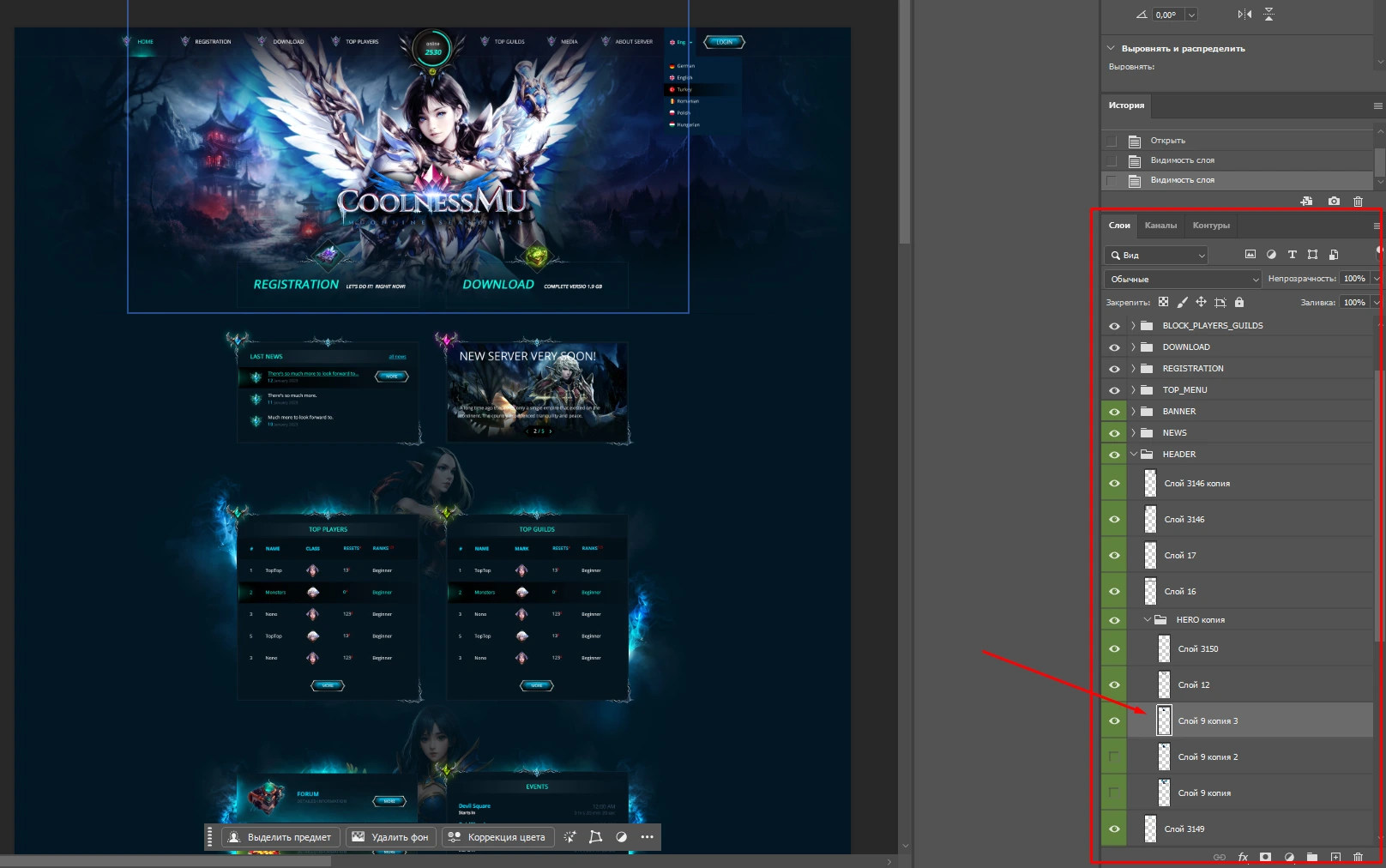
A PSD (Photoshop Document) file is the main project format used by Adobe Photoshop. Think of it as a working file that stores not only the image itself but also all the elements used to create it, such as layers, text, effects, shapes, and adjustments.
For example, if a designer creates a website layout, game banner, or logo, they usually save it as a PSD file so every part can be edited later. Unlike JPG or PNG images, a PSD keeps all project components separate, making future changes much easier.
Advantages of PSD Files:
- Supports multiple layers and advanced editing
- Preserves high image quality during the design process.
- Allows easy modification of text, colors, effects, and graphics.
- Widely used by professional designers and studios.

Disadvantages of PSD Files:
- File sizes can be quite large.
- Requires compatible software to open and edit properly.
- Not suitable for direct use on websites or social media without exporting to another format.
In simple terms, a PSD file is like a digital workshop where every design element remains editable, giving designers complete control over their projects even long after they have been created.
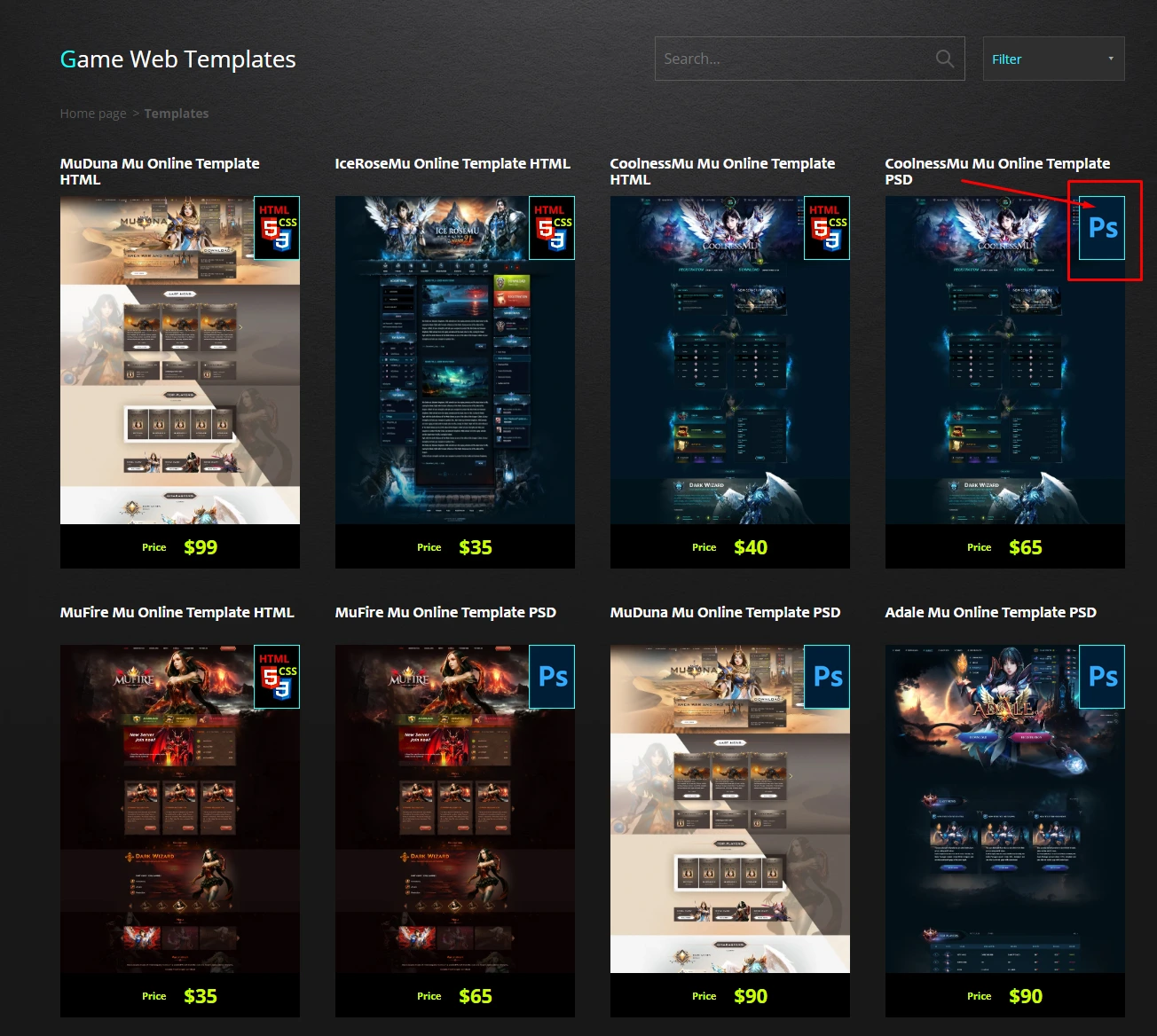
You can see an example of one such template here: CoolnessMu Mu Online Template PSD